Worktrees
Everything Canopy does to a worktree, and the git operation behind it.
Create#
⌘N, the sidebar's New worktree, the palette, or the popover footer.
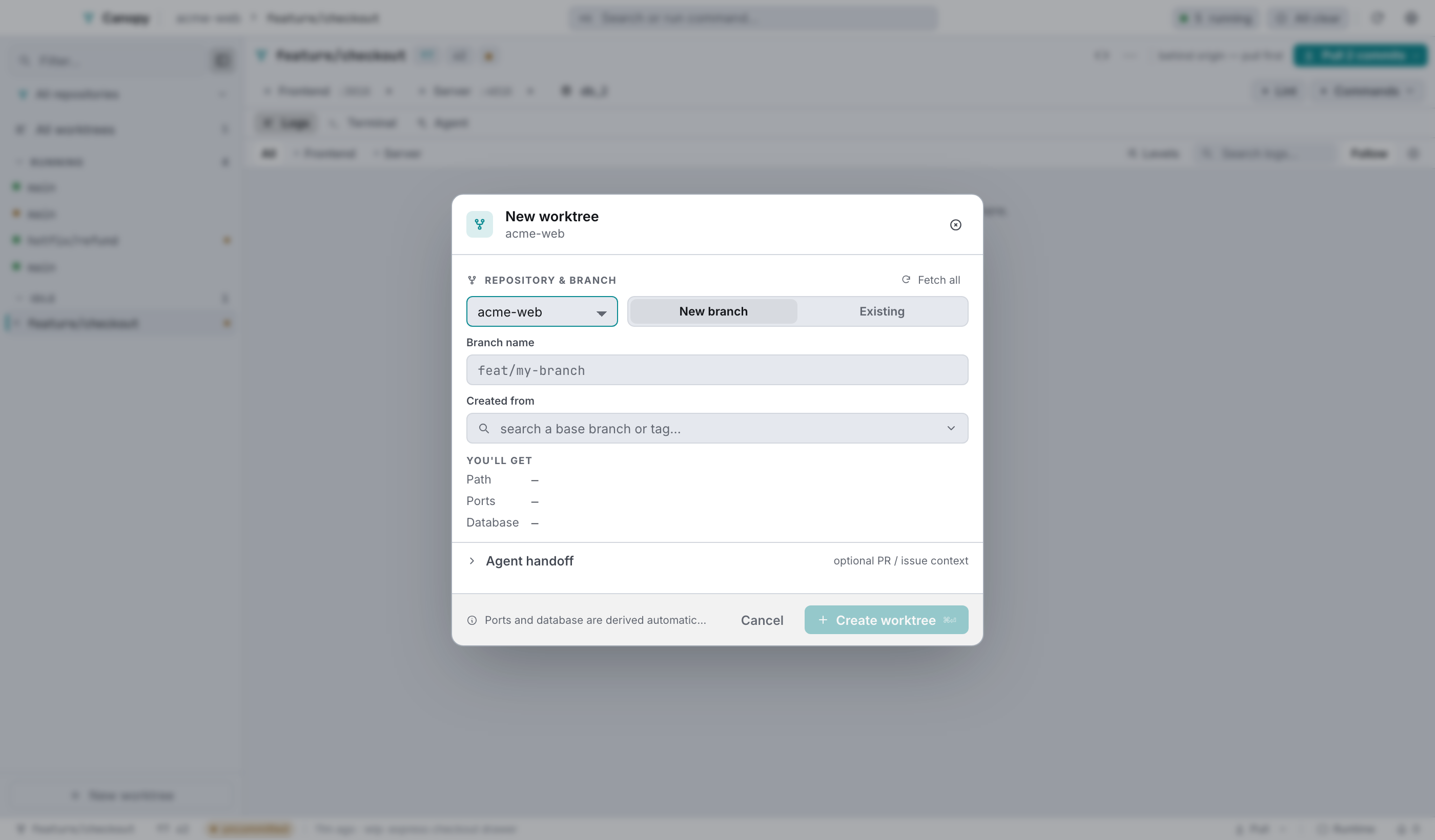
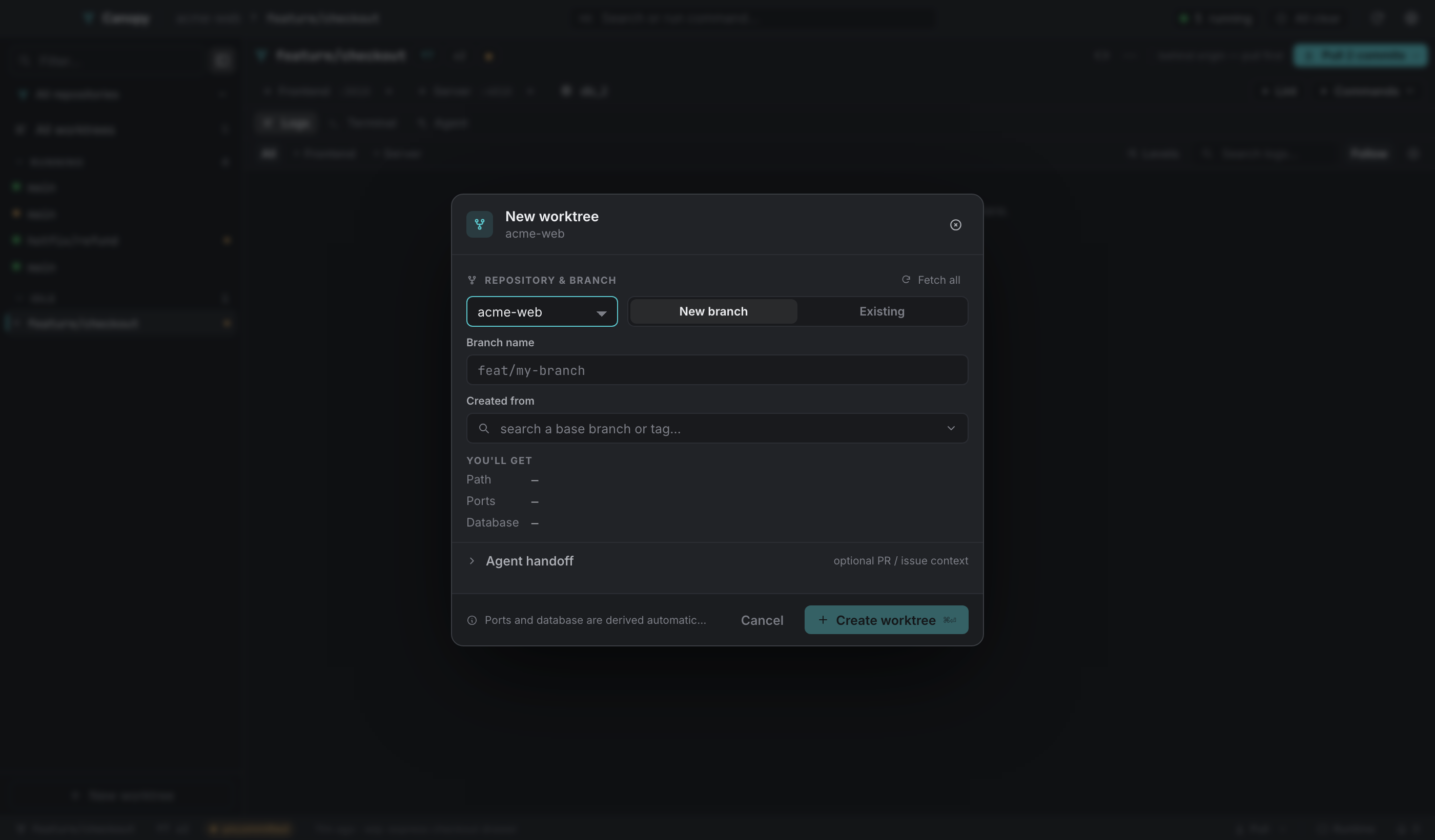
| Control | Behaviour |
|---|---|
| Repository | Switching it clears the base and branch. Refs are repo-scoped, and carrying one across would submit a ref that doesn't exist. |
| New branch / Existing | New branch takes a name plus a base. Existing takes a ref that's already there. |
| Ref picker | Searches local branches, remote branches and tags. Rows checked out elsewhere are shown but disabled. |
| Fetch all | git fetch --all --prune --recurse-submodules, then reports local, remote and tag counts. |
| You'll get | The destination path, resolved the way the backend will resolve it. |
| Agent handoff | Optional PR and issue links that seed the worktree's context. |
| Run in background | Dismisses the dialog. The job continues and reports into Needs you. |
What creation does:
git worktree add <path> <ref>, creating the branch when the mode calls for it.- Submodules initialised and updated recursively, using
--referenceso objects are shared with the main checkout instead of cloned again. - A port index assigned (the lowest free slot) and the worktree's variables computed.
- Provisioned files seeded and templated.
setupcommands run in order.
The destination path is the repo's worktree directory (absolute, or relative to the repo, defaulting to <repo>/.worktrees) plus the branch name with every character outside [letters, digits, -, .] replaced by _, case preserved.
Re-running setup#
⋯ → Run setup… re-applies provisioned files and re-runs setup on an existing worktree.
The runner reads the backend's ordered [k/n]: <command> markers and shows them as a step list. Finished steps get a tick, the current one spins, and a failure gets a cross plus the raw tail, so you read the error instead of guessing at it. Run in background closes the dialog and leaves the run going. Reopening it attaches to the run in flight rather than starting another, because the backend has no per-worktree guard and a second invocation would mean two npm installs in one directory.
On success the footer offers Start services (⏎).
Switching branch in place#
⌘\, or ⋯ → Switch branch…, or the branch in the status bar.
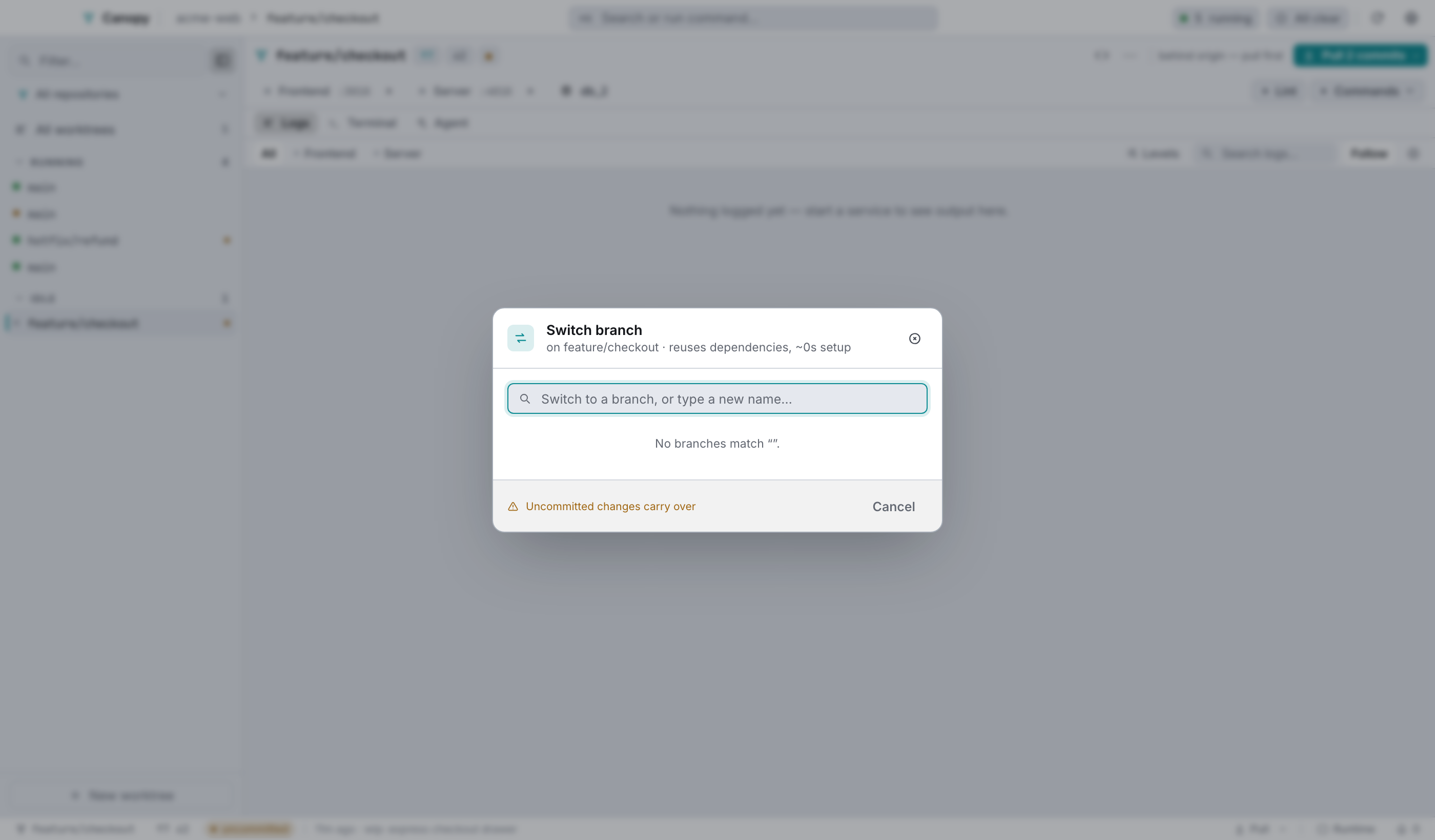
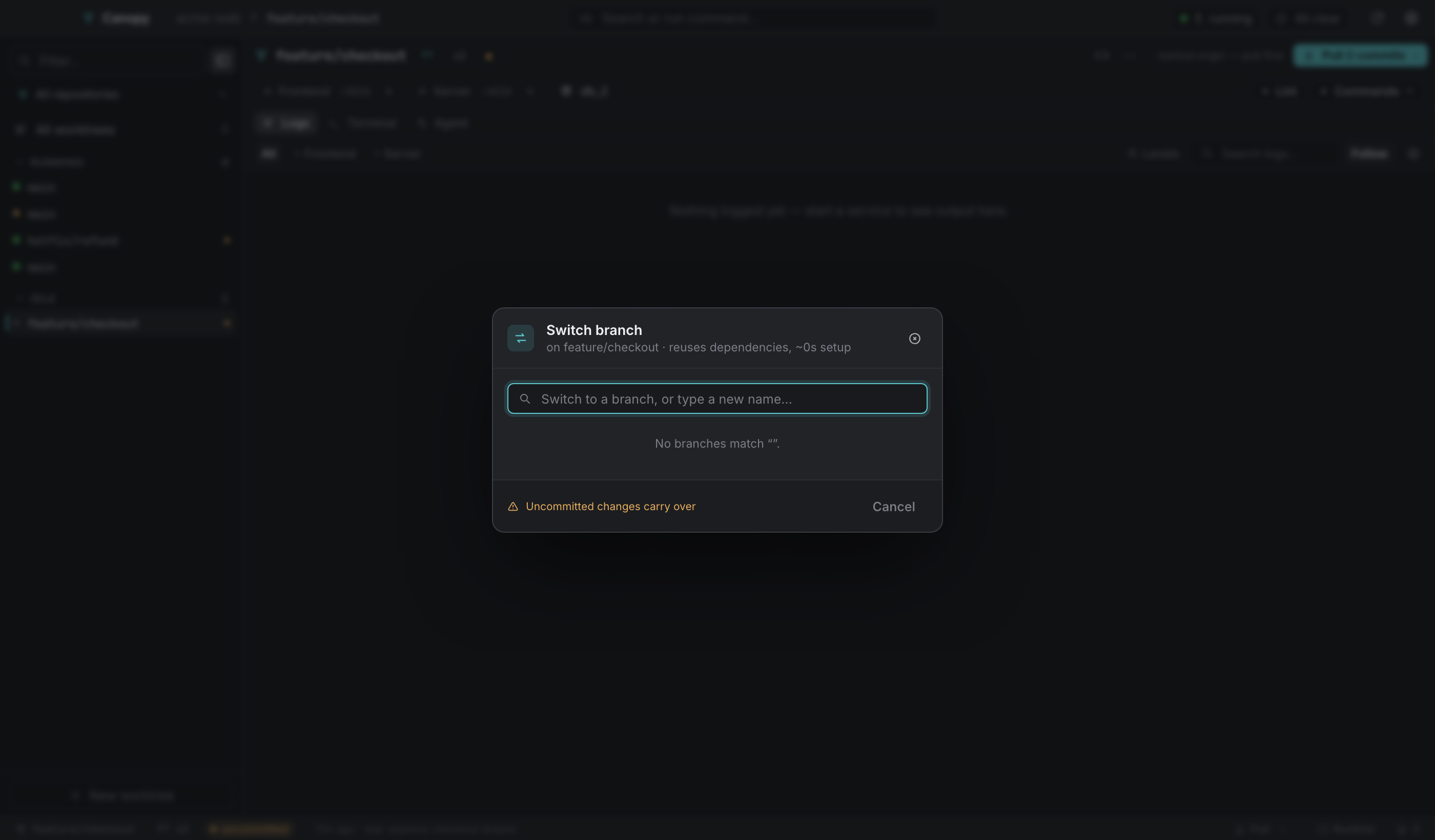
It reuses everything already installed here, so it costs roughly no setup time where a new worktree costs a full provision. Type a name that doesn't exist and you get Create branch <name> off <current>. Pick a remote row and Canopy resolves to the local short name, reusing the local branch if it's there and creating it from the remote if not, since git checkout origin/foo would detach HEAD. Branches checked out in another worktree of the same repo are disabled and tagged in use.
You can turn this action off entirely in Settings → General → Show the Switch-branch action. The shortcut obeys the setting, so turning it off doesn't leave the feature one keystroke away.
Pull#
The status bar's Pull (or ⋯ → Pull) runs git pull --ff-only, then advances each submodule rather than only re-pinning it:
- pulled, if the submodule is checked out on a branch,
- moved to its pinned branch tip, if
.gitmodulestracks one (saybranch = lts-3.16), - otherwise synced to the commit the parent records.
The toast summarises what happened: "pulled, 2 submodule(s) pulled".
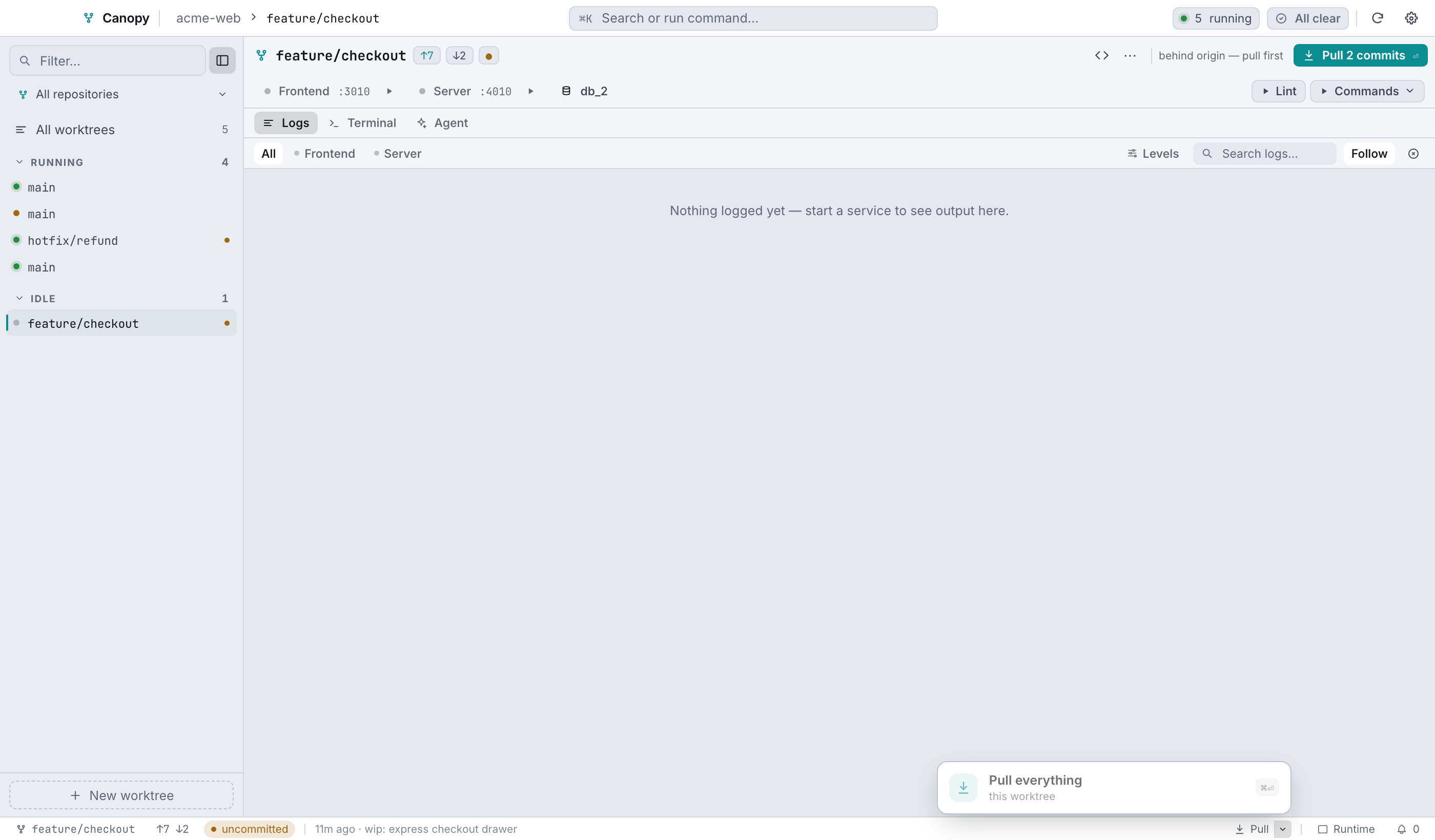
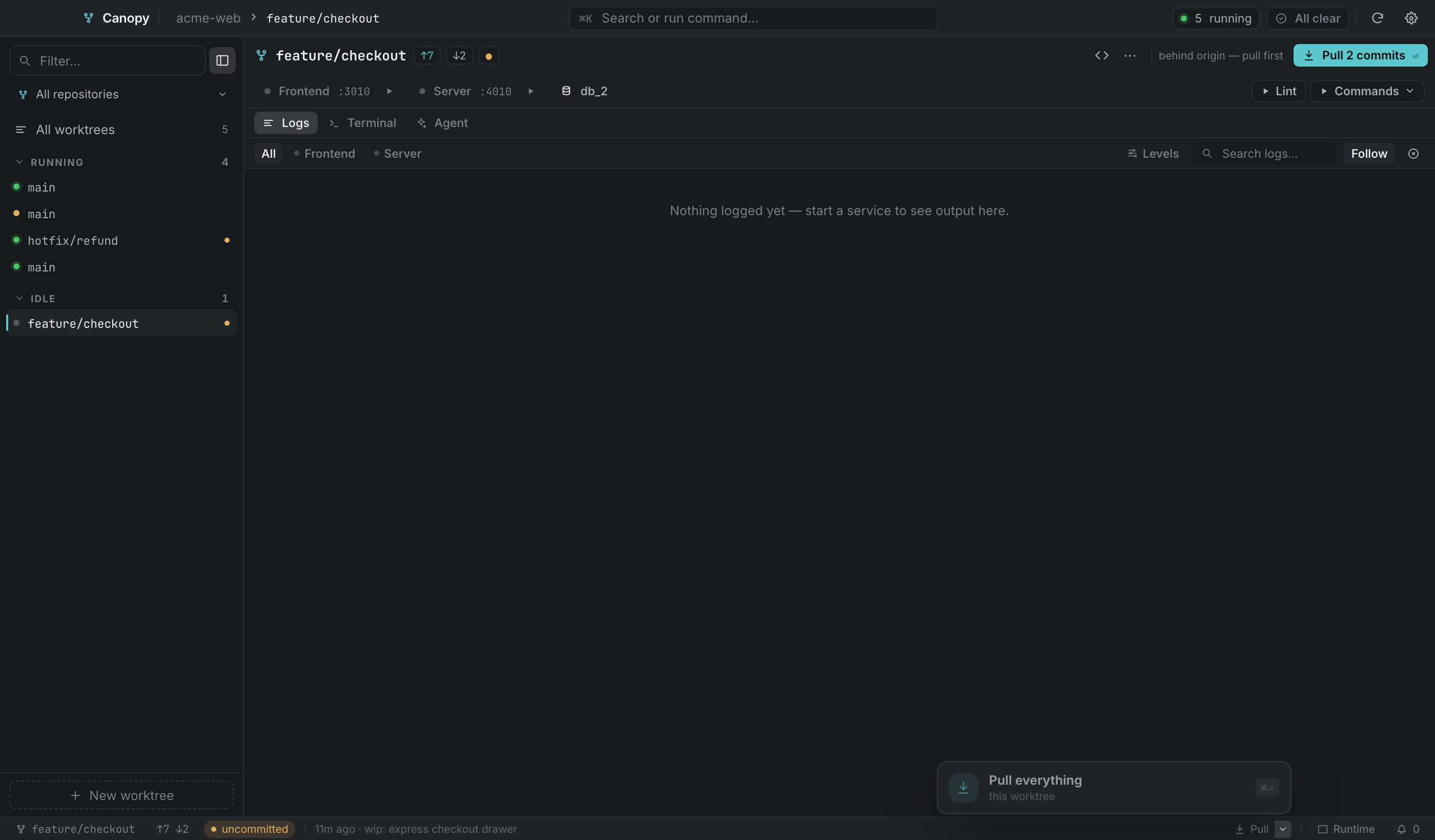
The caret opens the popover:
| Row | What it does |
|---|---|
Pull everything (⌘⏎) | The worktree plus every submodule. |
Sync submodules (⇧⌘S) | git submodule sync + update --init --recursive, putting every submodule back on the commit the parent pins. The repair after a branch change. |
| Per submodule | A status dot, the branch (or detached <sha>), an ahead of pin marker, a branch switcher, and a pull button. |
A submodule with uncommitted changes can't have its branch switched from here, and the row says why.
Uncommitted changes#
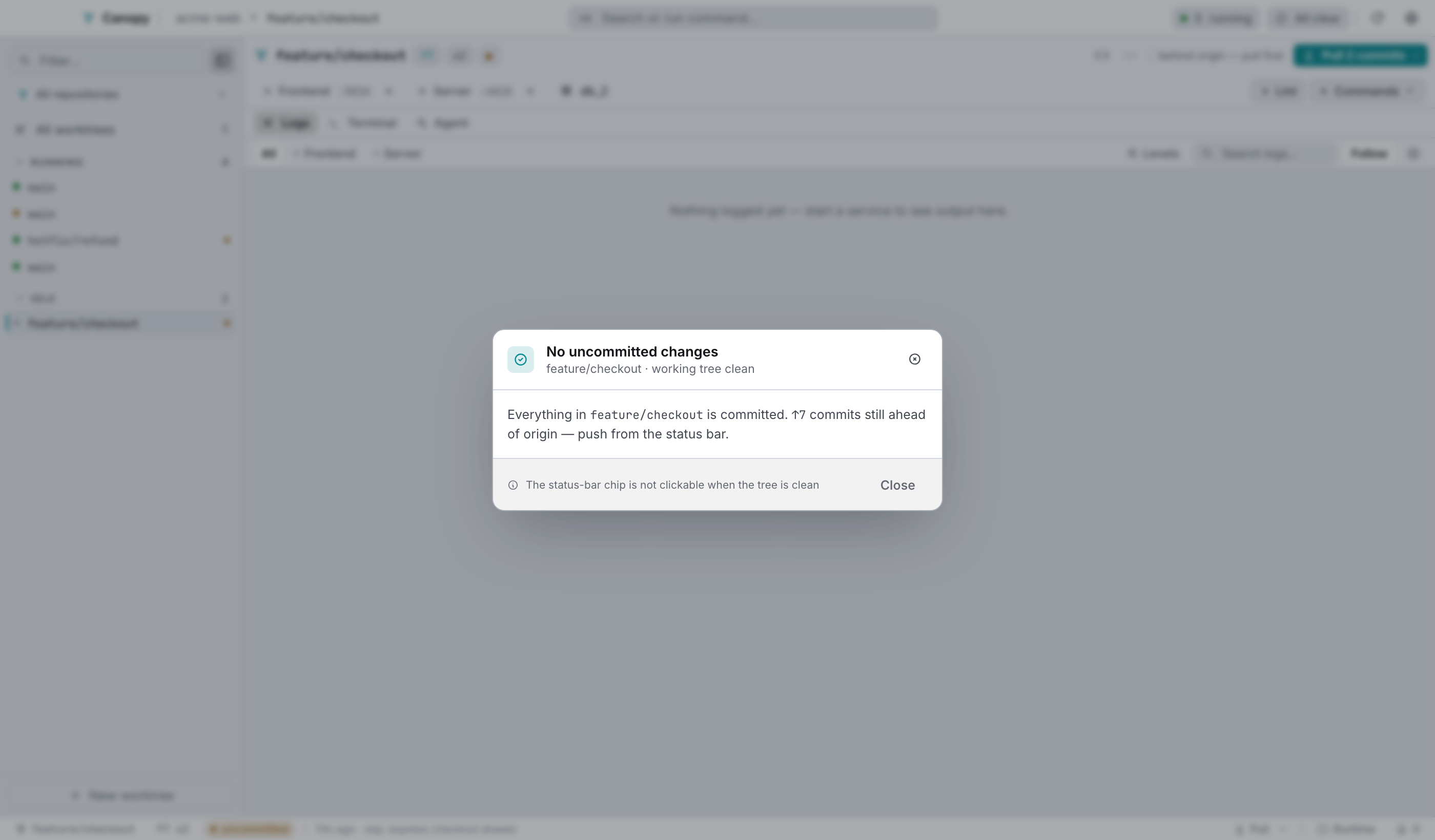
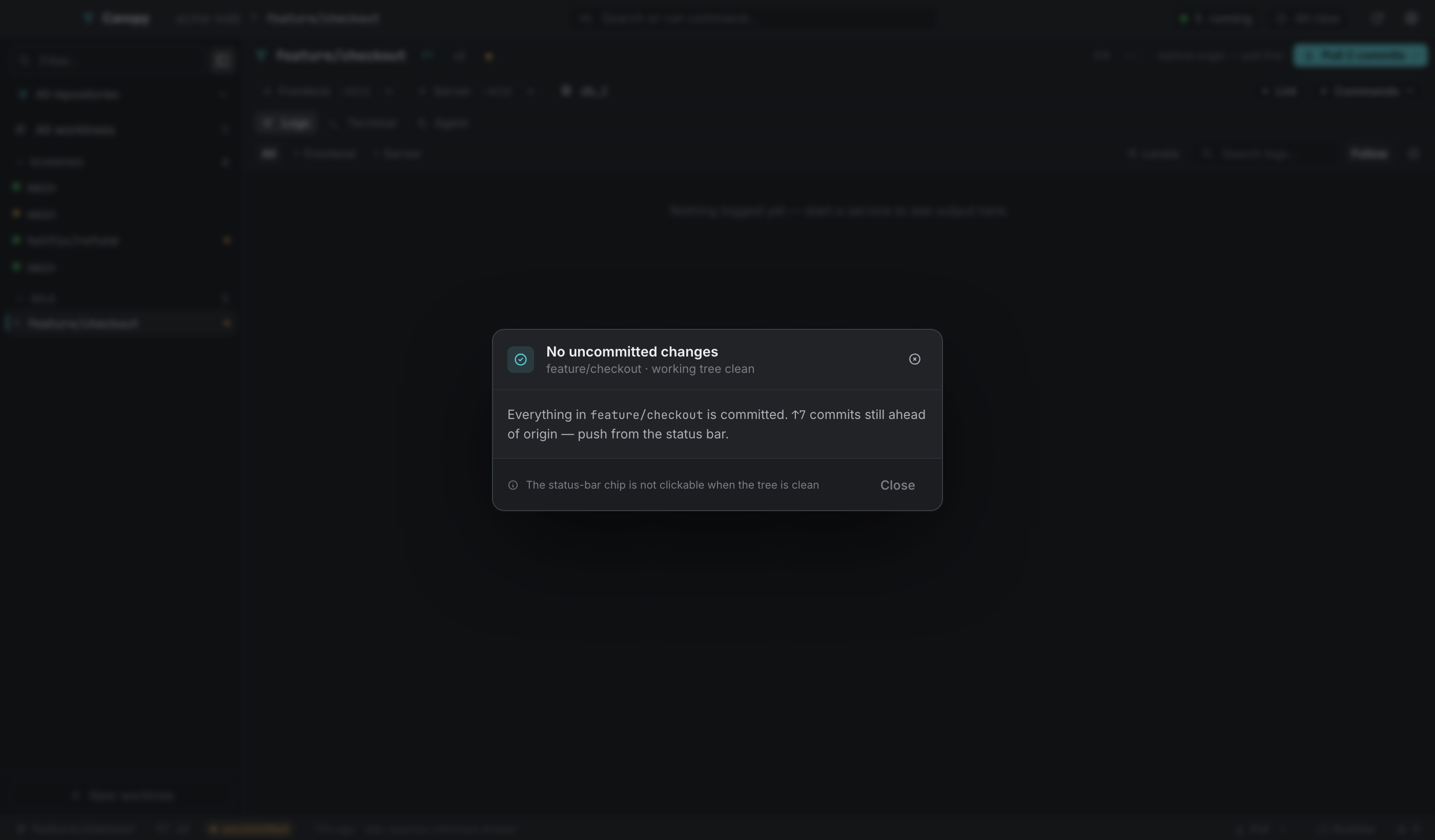
The status bar's uncommitted chip opens one dialog with three modes. The file list is there to be read, not selected from: it annotates itself per mode so you can see what the chosen git invocation will touch, and the exact command is printed above it.
| Mode | Runs | Options |
|---|---|---|
| Commit | git commit -a -m "<subject>" | Also add N untracked files (off, since -a only picks up tracked files) prepends git add -A. Subject length is counted against 72. |
| Stash | git stash push [-u] [-m "<name>"] | Include N untracked files adds -u. Naming it is optional, though Canopy has no stash list yet, so name it if you'll keep more than one. |
| Discard | git restore --source=HEAD --staged --worktree -- . | Also delete N untracked files from disk adds git clean -fd and makes you type discard before the button arms. |
The guards are specific:
- Conflicts block commit and stash, since git refuses until the markers are gone, but not discard, which is the documented way out of a merge you don't want.
- Submodule-only changes block all three modes. A commit, stash or discard in the parent doesn't reach into a submodule's working tree; commit it inside the submodule first.
- Rows open in your editor when clicked, except a deletion, which no longer exists on disk.
- If the status can't be read, the dialog fails closed: it shows the error and disables every action instead of claiming the tree is clean.
⌘⏎submits when the dialog is ready. A failing pre-commit hook lands as an inline error and keeps everything you typed.
Remove#
⋯ → Remove worktree…, absent on the main checkout.
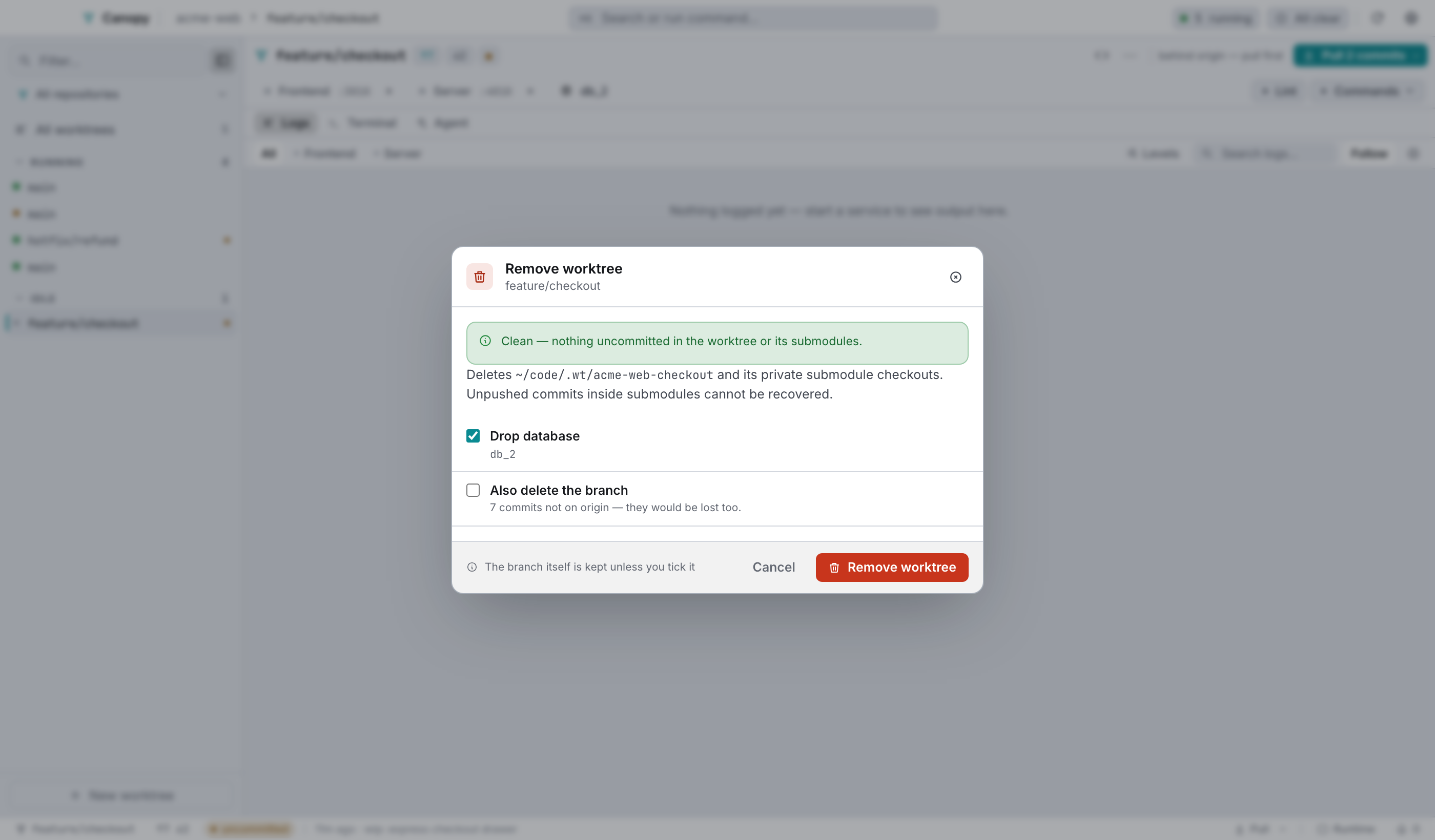
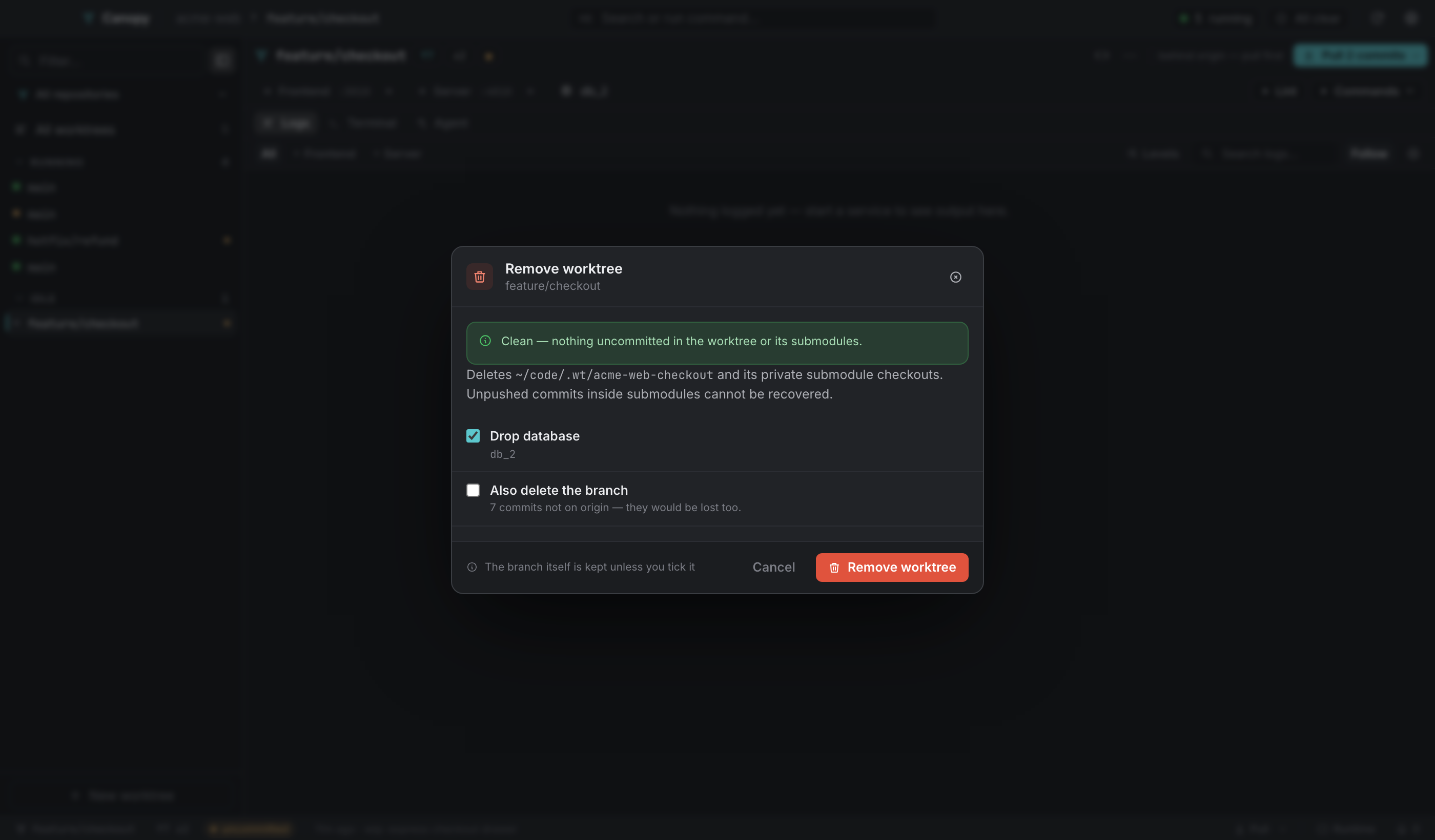
A dirty precheck runs first, including submodules, and fails closed. The report lists up to ten paths; at exactly ten it says "at least ten" rather than implying that's the total. Drop database is on by default when the worktree has one, and runs the repo's teardown commands. Also delete the branch is off by default and warns when the branch has commits that aren't on origin.
Then: stop services, run teardown, git worktree remove --force, optionally delete the branch, prune. Run in background hands the job over; the sidebar row goes inert and the outcome reports into Needs you.
Select several rows in the sidebar (⌘-click or ⇧-click) and press Delete N for the multi-worktree version, which applies the same two choices to the whole set.
Pruning deleted worktrees#
rm -rf a worktree folder and git still holds a stale registration for it. Sync in the top bar finds those and offers to reconcile them. Pruning removes git's stale entry, and per item you can also delete the branch and drop the leftover database (on by default, since it's orphaned now).
The folder is already gone, so there's nothing left to warn you about losing. The database name comes from the snapshot Canopy took before refreshing, because the worktree's .env doesn't exist any more.
Pinning#
Every sidebar row has a pin, and pinned worktrees sit in their own group above Running and Idle. Pins are per machine, stored in localStorage.