Application settings
Settings has one navigation list: the platform pages, then the repository picker acting as a divider, then that repository's pages. Nothing appears twice.
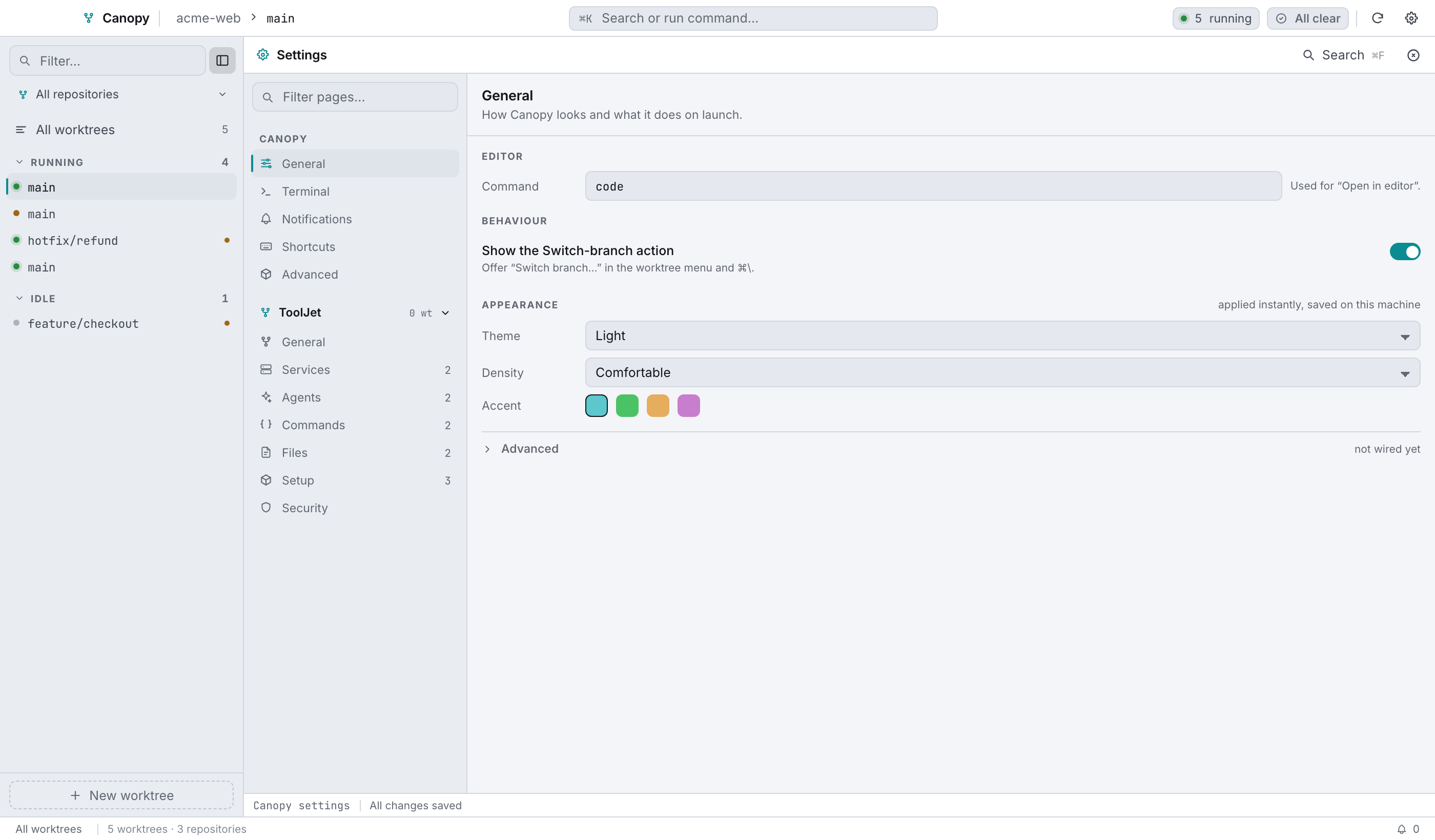
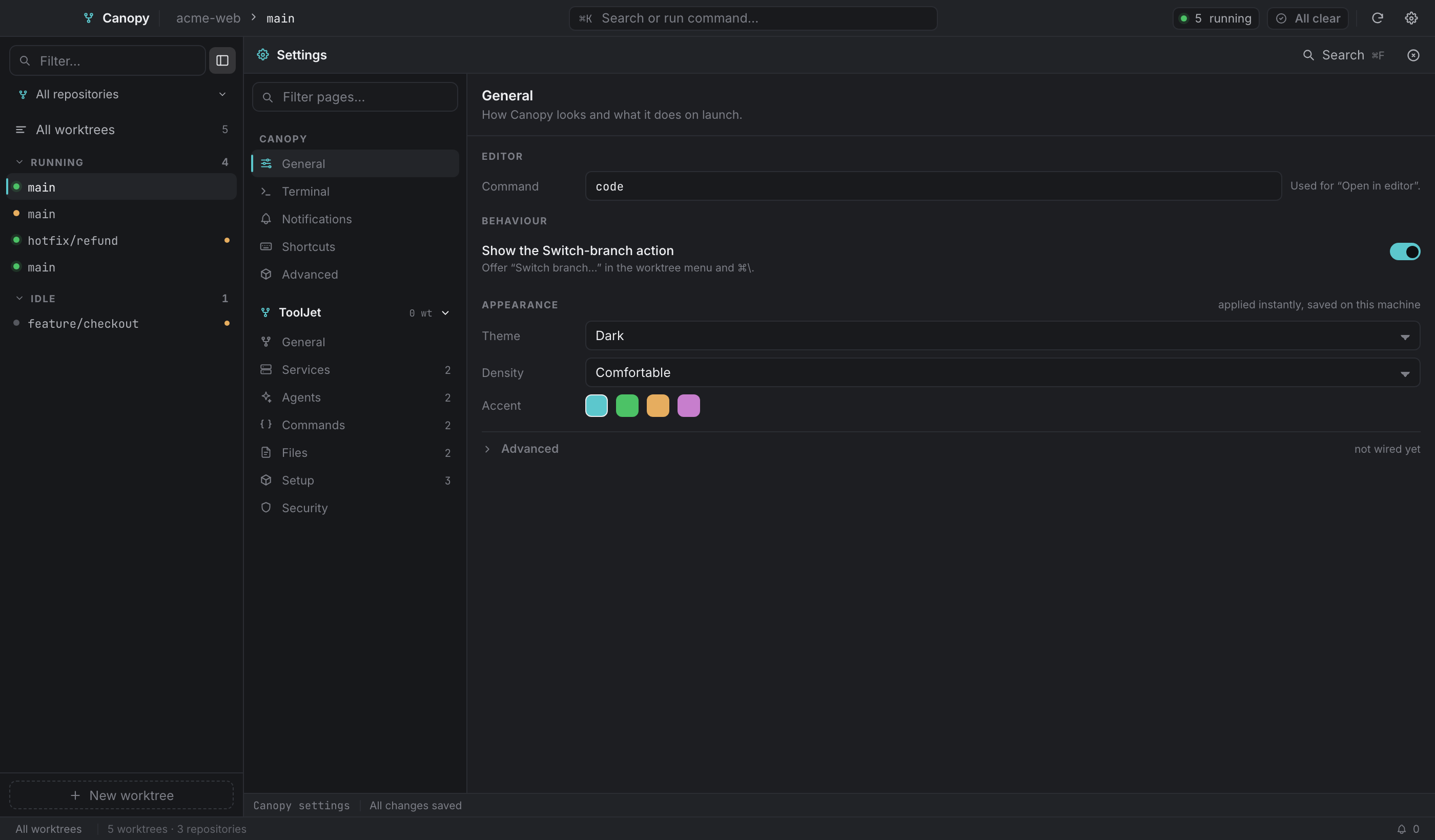
The Settings window#
| Element | Behaviour |
|---|---|
| Filter pages… | Narrows the navigation list itself. |
Search (⌘F) | Searches every setting, not just page names, and jumps to it, flashing the section it landed on. |
| Repository picker | Switches which repository the repo pages below are editing, and shows each repo's worktree count. |
| Per-page dot | A section with unsaved changes is marked in the nav and named in the save bar. |
Preview JSON (⌘P) | Opens the repo's .worktreemanager.json as a panel beside the editor. Repository pages only. |
| ⋯ menu | Copy JSON, Export config…, Load from repo file, Import from file… Repository pages only. |
| Save bar | Unsaved changes in <sections>, with Discard and Save changes (⌘S). |
| Status line | When everything's saved: which file is in scope, and a count of worktrees, provisioned files and services. |
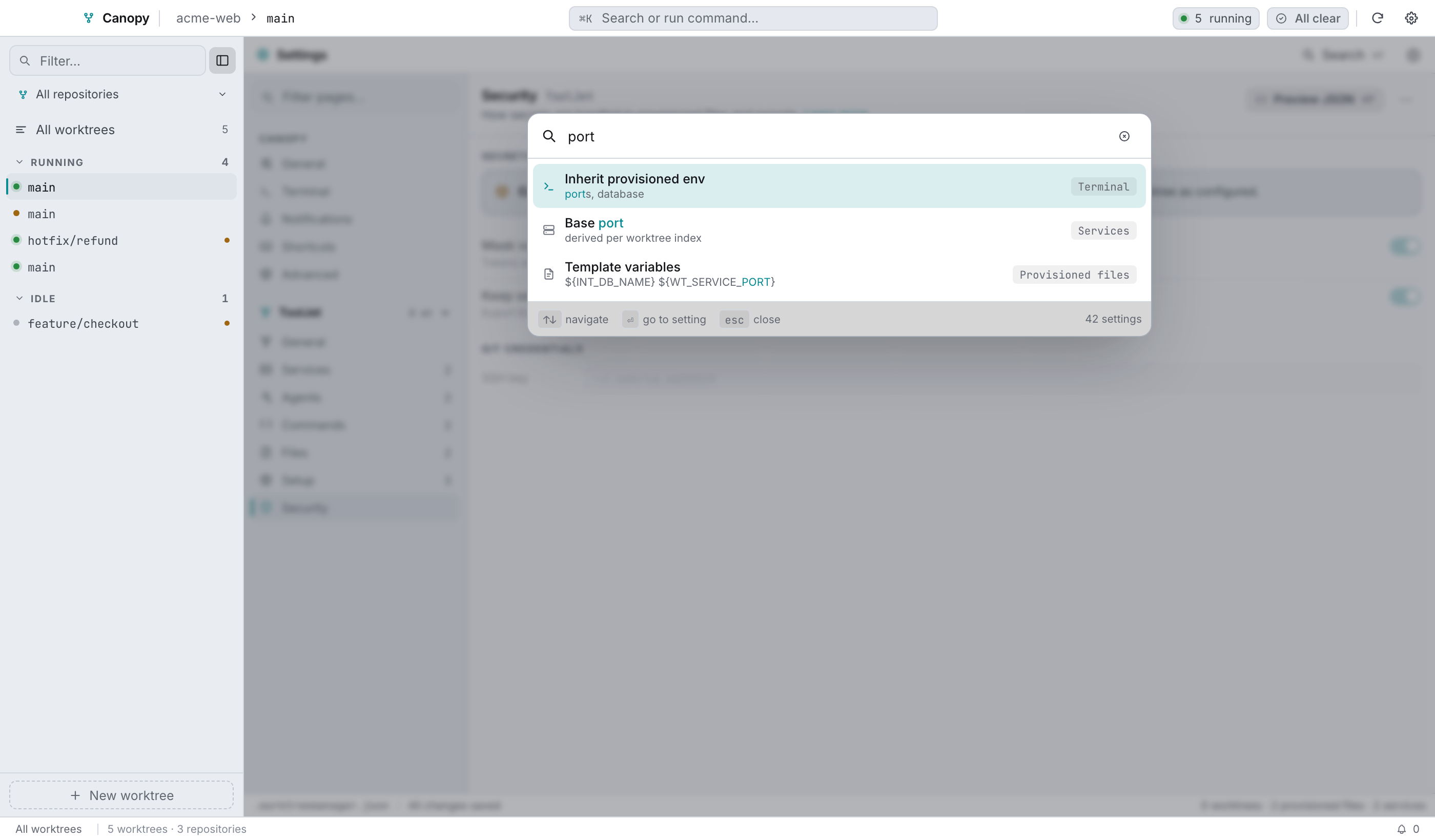
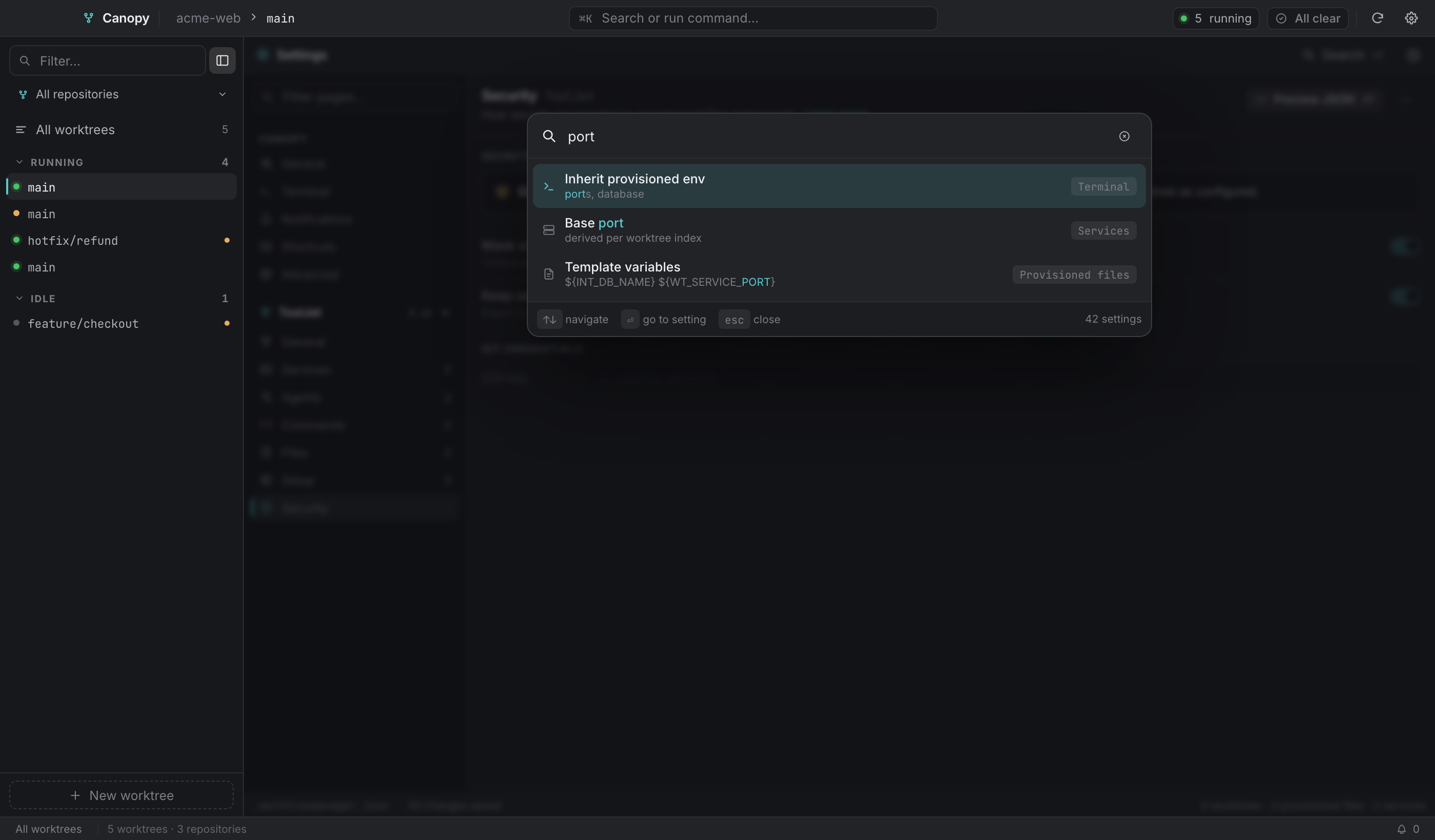
Two behaviours to know about. Appearance isn't part of the save step: theme, density and accent apply live and go straight to localStorage, in every Canopy window. And Sync re-reads config from disk: if a repo's .worktreemanager.json changed outside the app, pressing Sync updates the Files, Setup and Migrate pages, except for a repository you're mid-edit on, which is never clobbered.
General#
| Setting | What it does |
|---|---|
| Editor → Command | The command behind "Open in editor": code, cursor, subl, idea, anything on your PATH. Also used to open a single file from the uncommitted-changes dialog. |
| Show the Switch-branch action | Offers Switch branch… in the worktree menu, the status-bar branch, and ⌘\. Off hides all three. |
| Appearance → Theme | Dark, Light, or Match system. |
| Appearance → Density | Comfortable or Compact, which tightens the spacing ramp. |
| Appearance → Accent | Teal, Green, Amber or Violet. |
Text zoom (⌘+, ⌘-, ⌘0) belongs to appearance too, but it lives on the keyboard rather than on this page: 80% to 160% in 10% steps, applied to the whole type ramp.
Terminal#
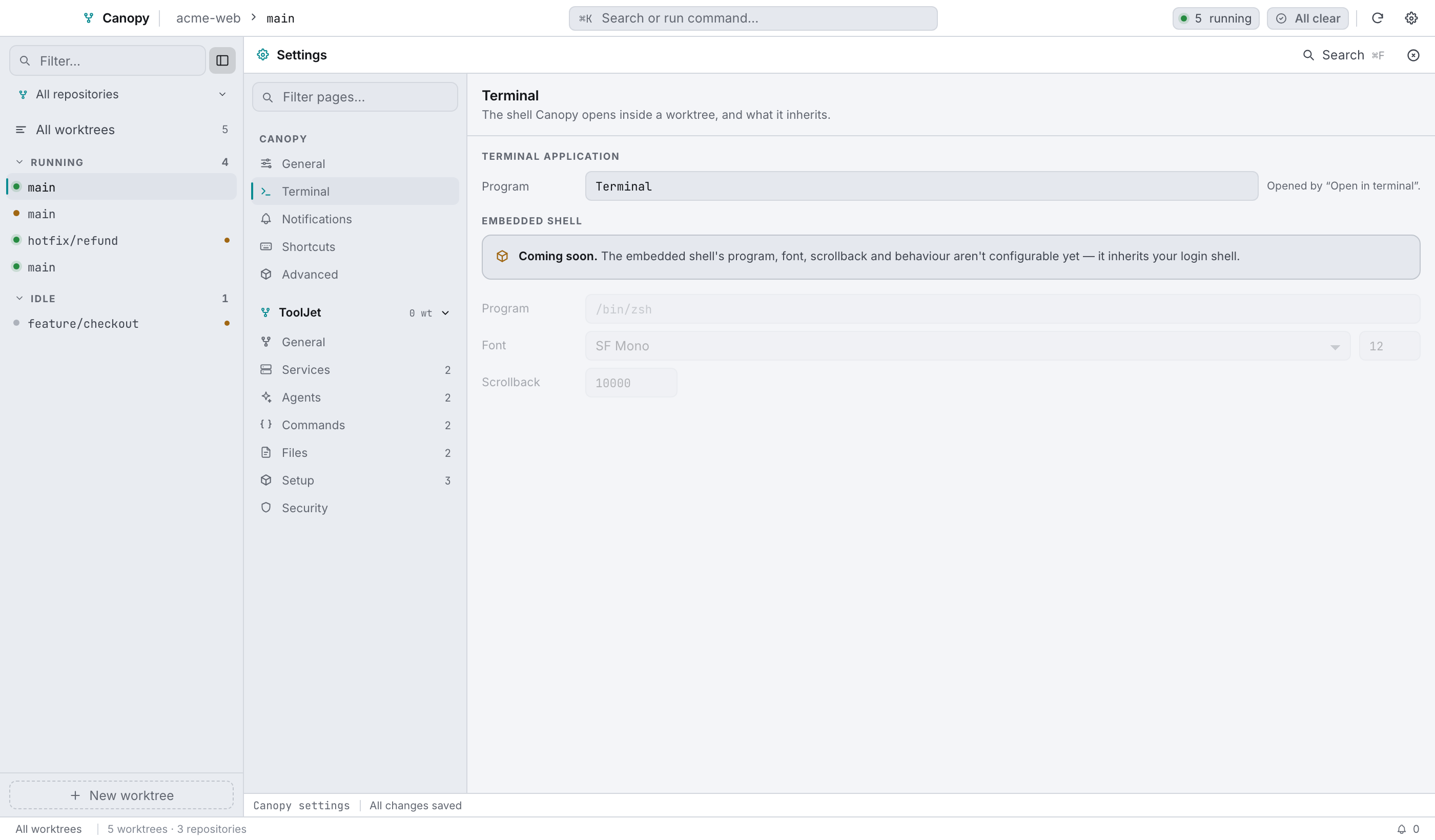
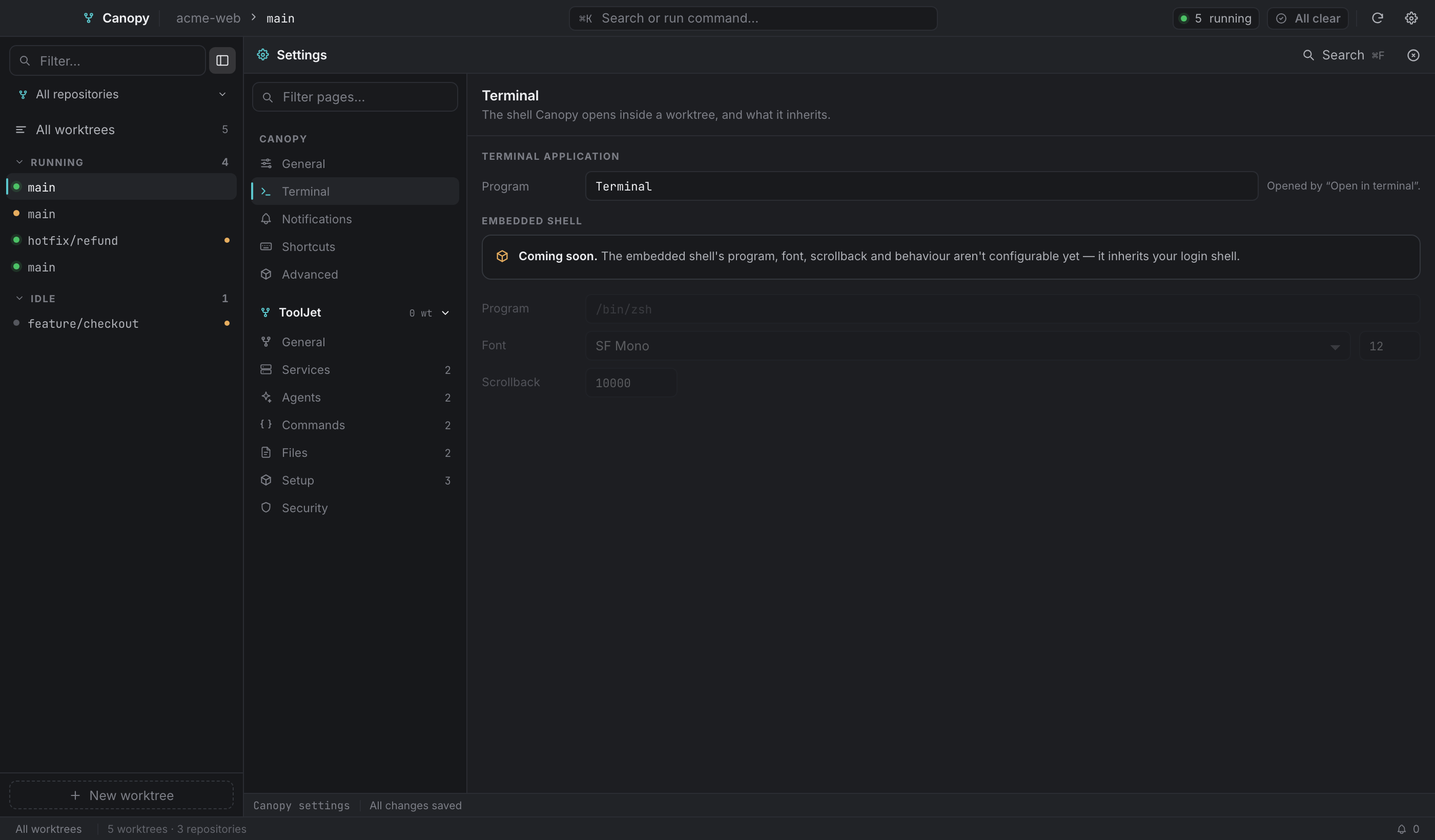
| Setting | Status |
|---|---|
| Terminal application → Program | Real. The app behind "Open in terminal" (Terminal, iTerm, WezTerm). |
| Embedded shell: program, font and size, scrollback | Coming soon. The embedded terminal inherits your login shell, and its scrollback cap is fixed at 256 KB per session. |
Notifications#
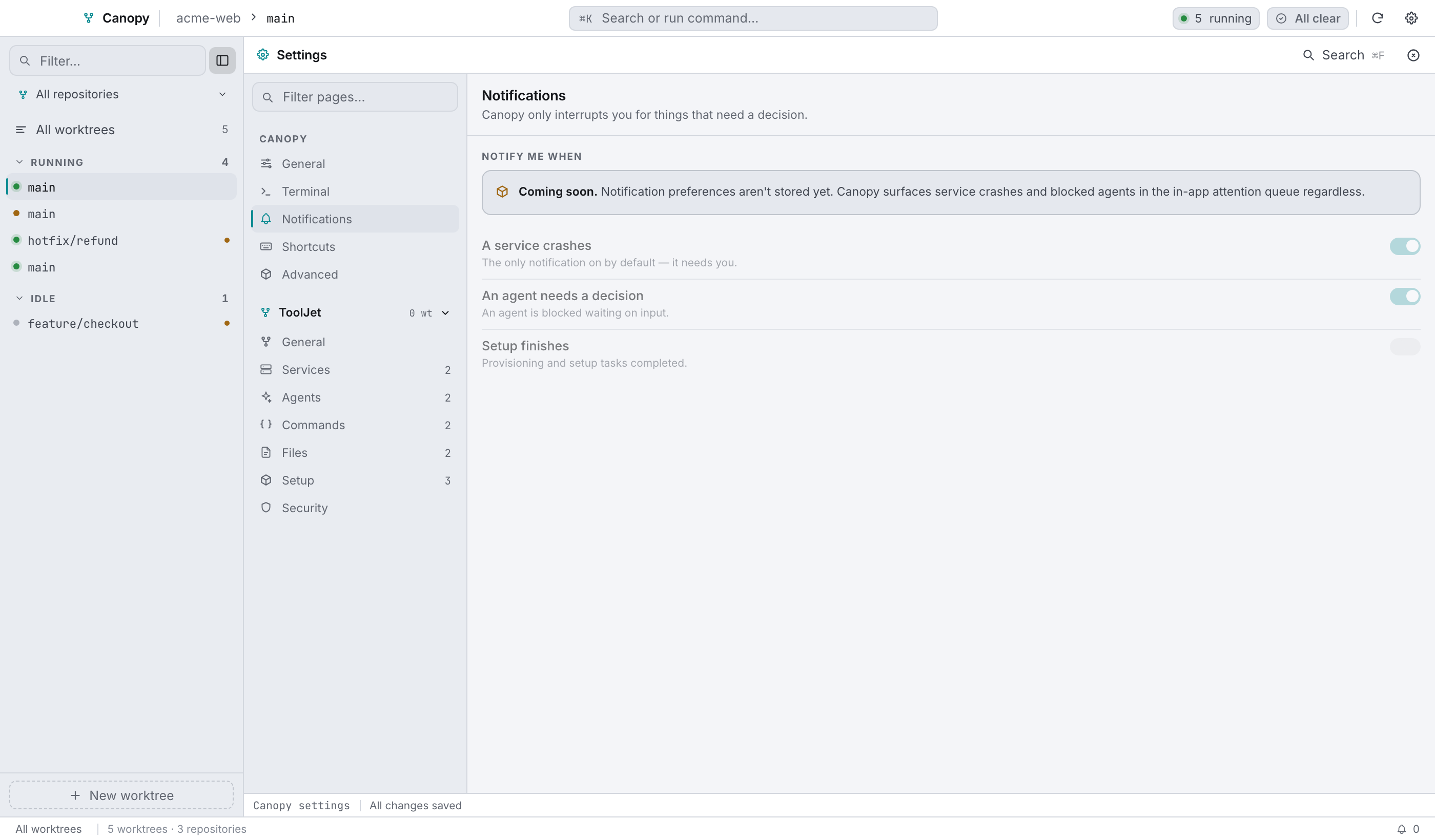
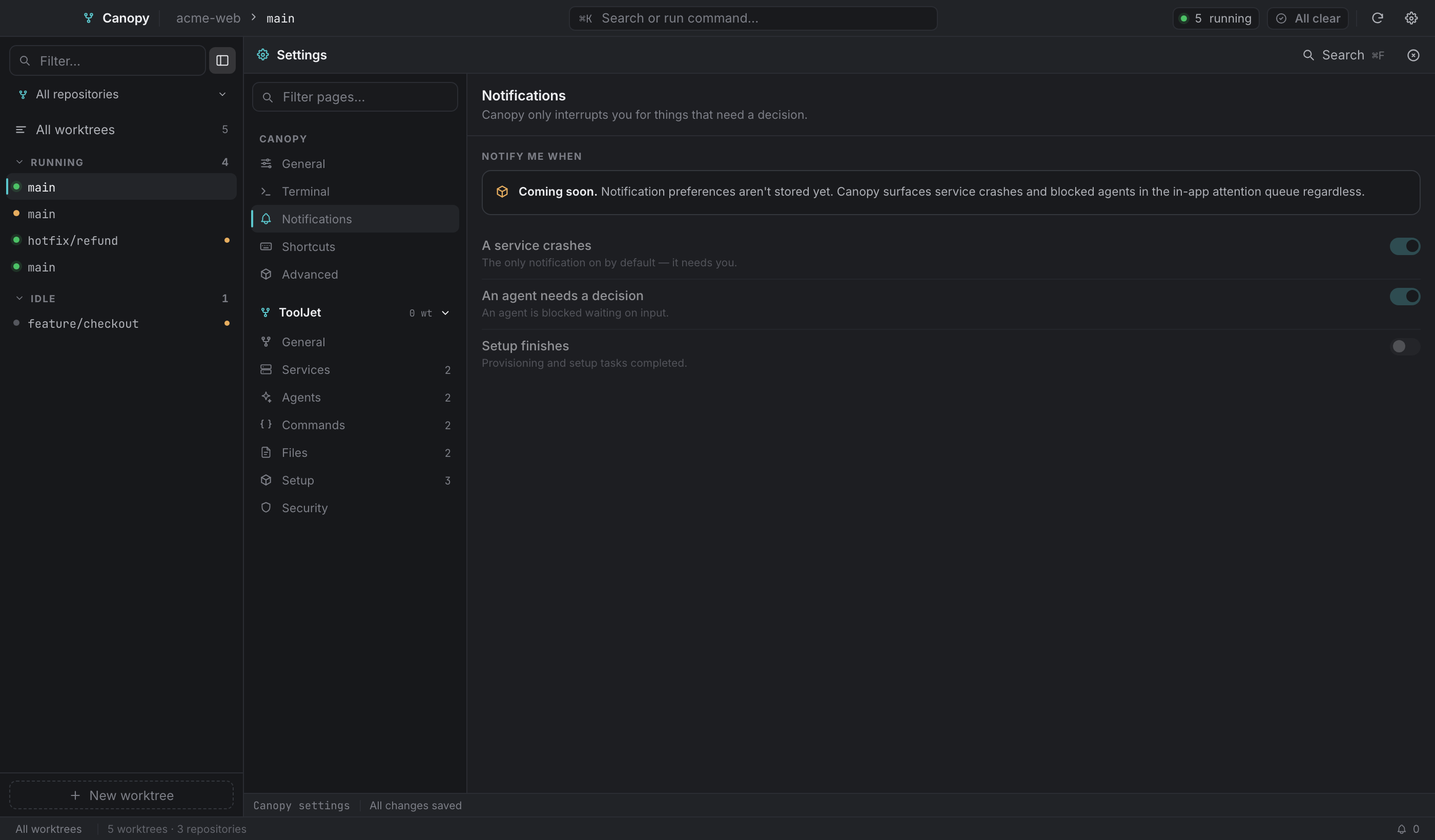
Every toggle here is coming soon: a service crashing, an agent needing a decision, setup finishing. What does work today, with no configuration, is the in-app attention queue. Crashes, failed background jobs and blocked agents all show up in Needs you.
Shortcuts#
A filterable reference of every binding that has a listener behind it, grouped by scope. It's reproduced in full on the Keyboard shortcuts page. Not remappable yet.
Advanced#
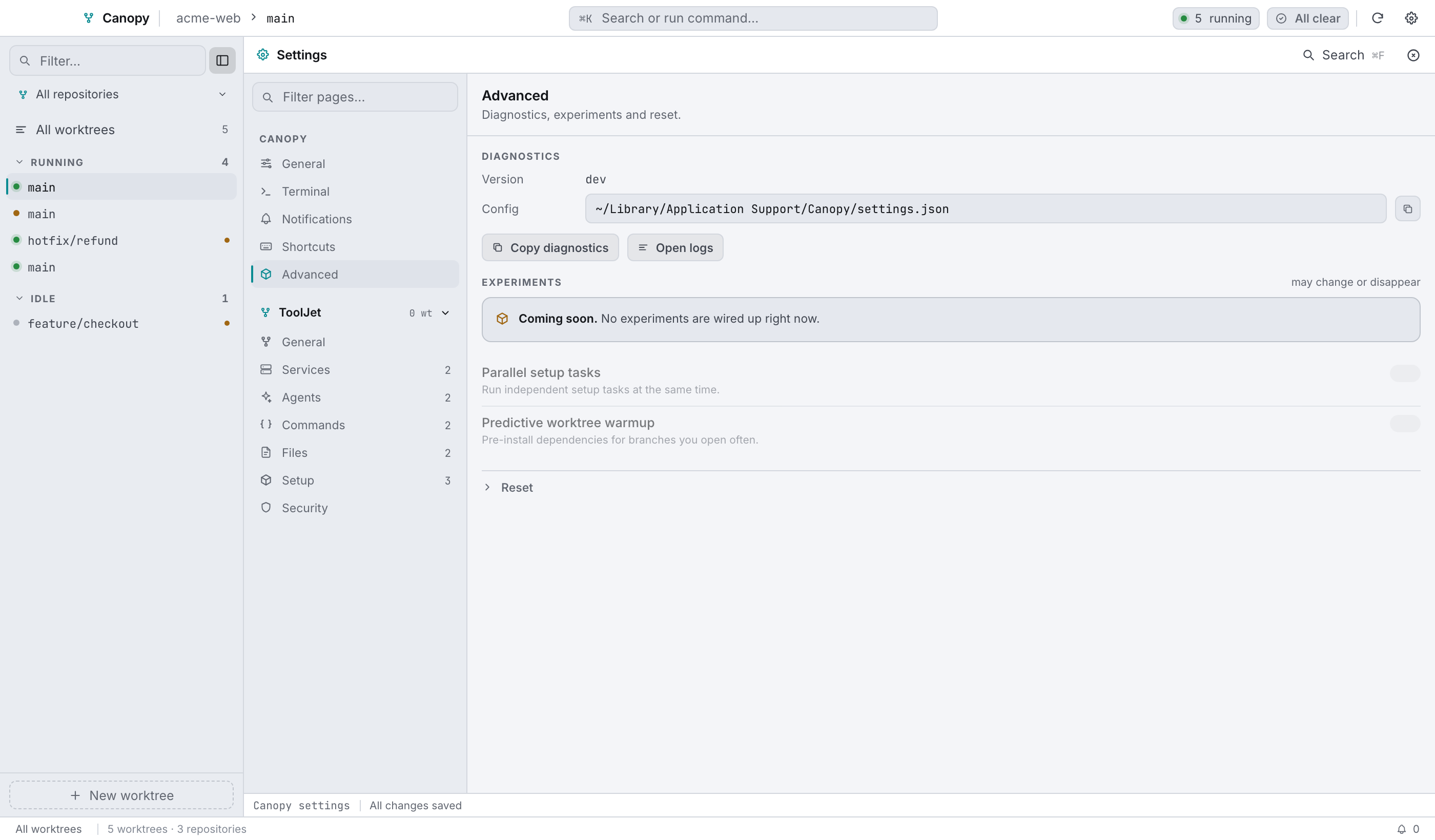
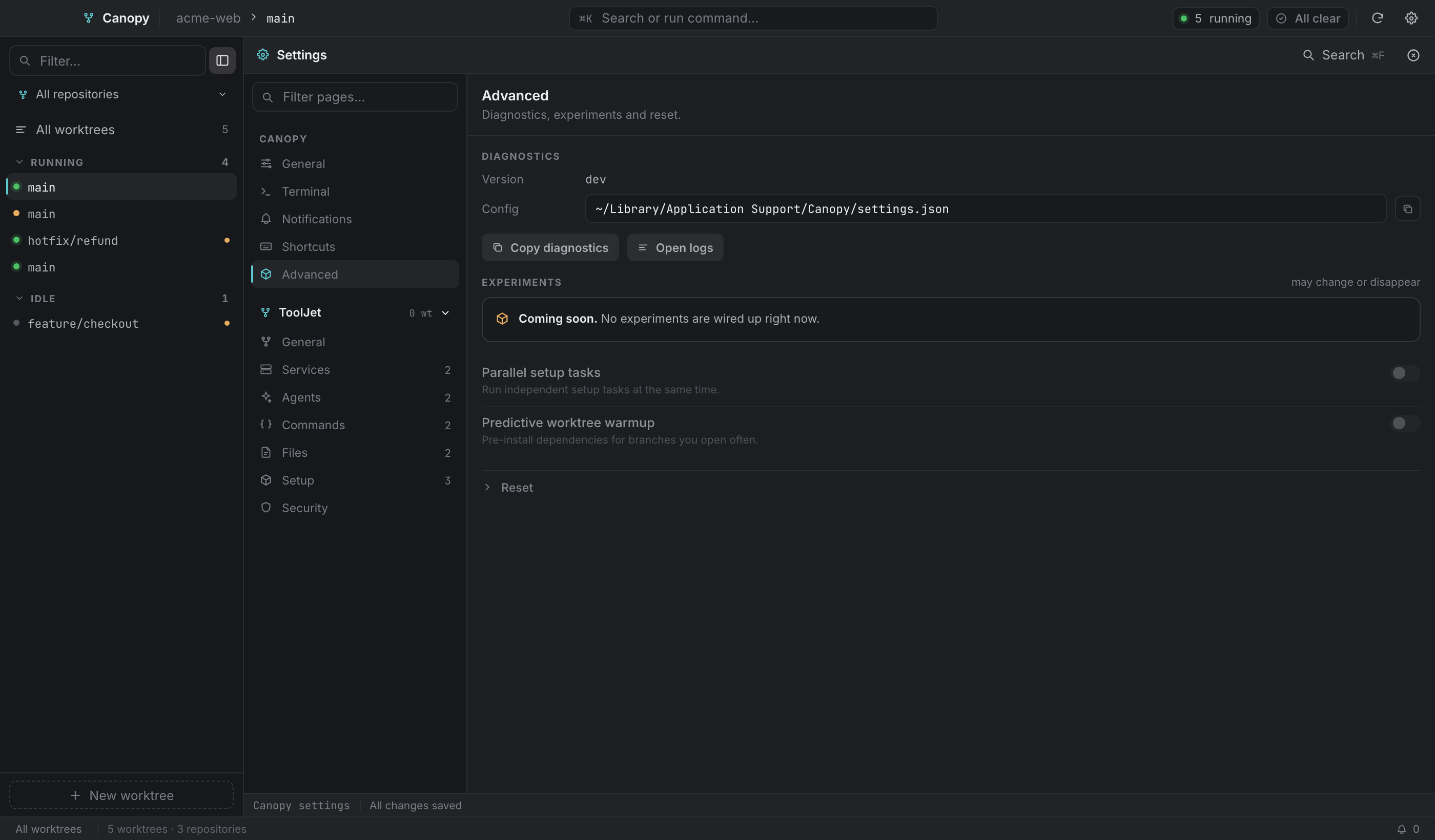
| Setting | Status |
|---|---|
| Version | Real, the running app version. |
| Config path | Real, with a copy button. |
| Copy diagnostics | Coming soon. |
| Open logs | Coming soon, so open the log directory yourself for now. |
| Experiments (parallel setup tasks, predictive worktree warmup) | Coming soon, nothing wired. |
| Clear caches, Reset all settings | Coming soon. |
Why unwired controls are shown#
A page with no backend renders a banner and disabled controls instead of working-looking ones. A switch that flips and changes nothing is worse than a visible gap, and keeping the layout means the wiring is purely additive when the backend arrives. Limitations has the full list.