Canopydocs v0.4.7

Keyboard shortcuts

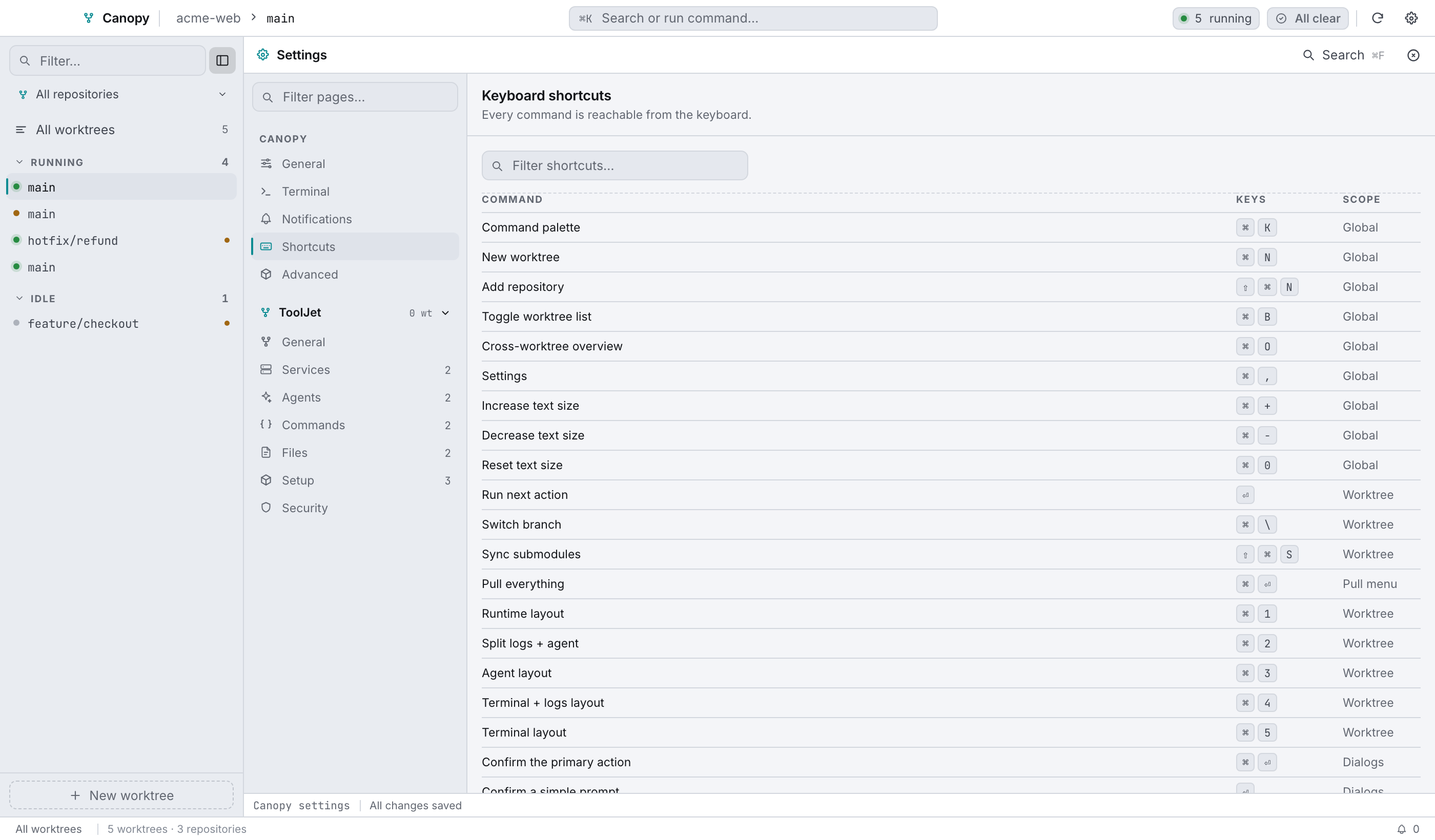
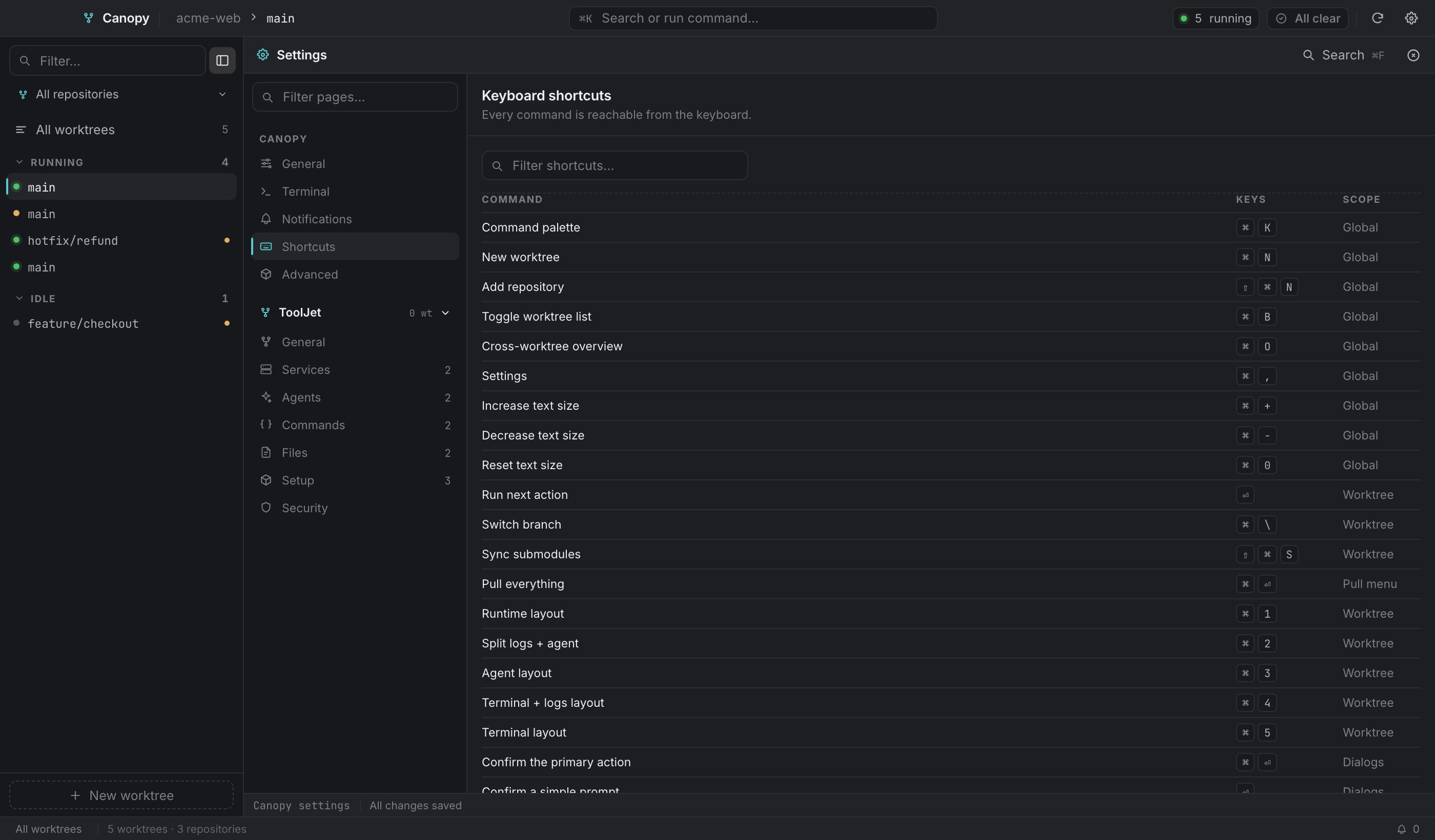
Every command in Canopy can be reached from the keyboard. Below is the complete list of bindings that have a listener behind them. The app ships the same table in Settings → Shortcuts, where you can filter it.

Settings → Shortcuts: the same reference, searchable.Settings → Shortcuts: the same reference, searchable.
Settings → Shortcuts: the same reference, searchable.

On Windows and Linux, read as Ctrl. The handlers accept either modifier.

Global#

CommandKeys
Command palette⌘K
New worktree⌘N
Add repository⇧⌘N
Toggle the worktree list⌘B
Cross-worktree overview⌘O
Settings⌘,
Increase text size⌘+
Decrease text size⌘-
Reset text size⌘0

Worktree#

CommandKeys
Run the next action
Switch branch⌘\
Sync submodules⇧⌘S
Runtime layout⌘1
Split logs + agent⌘2
Agent layout⌘3
Terminal + logs layout⌘4
Terminal layout⌘5

Pull menu#

CommandKeys
Pull everything (worktree + submodules)⌘⏎
Sync submodules⇧⌘S

Dialogs#

CommandKeys
Confirm the primary action⌘⏎
Confirm a simple prompt (a single named field)
Close the dialogEsc

Which of and ⌘⏎ a dialog uses isn't arbitrary. A dialog whose only field is a name commits on . A dialog with prose fields or several inputs takes ⌘⏎, so a stray in a textarea can't fire something destructive.

Lists and menus#

CommandKeys
Move through a list
Choose the highlighted row
Close a menu or popoverEsc

The worktree list#

CommandKeys
Add to the selection-click
Select a range-click

Settings#

CommandKeys
Search all settings⌘F
Save changes⌘S
Toggle the .worktreemanager.json preview⌘P

⌘P only does anything on a repository page, where there's a config file to preview.

The menu-bar window#

CommandKeys
Focus the filter field⌘K
New worktree⌘N
Settings⌘,
Start or focus the highlighted worktree
Clear the filterEsc

How conflicts are avoided#

A few rules the app follows, worth knowing if a key seems dead:

  • A dialog owns the keyboard. ⌘N and ⌘, stand down while a dialog is open, so you never get a new surface stacked behind one, with two scrims and no way to tell which has focus.
  • never steals from typing. The next-action binding is skipped when focus is in an input, textarea, contenteditable, or a terminal.
  • Text zoom always works, even inside a field or with the palette open, since ⌘+, ⌘- and ⌘0 can't collide with text entry.
  • Onboarding binds ⌘N itself for its add-repository screen, so the main window's ⌘N stands down while onboarding is up.
  • ⌘\ obeys its setting. Turn Show the Switch-branch action off and the shortcut does nothing too, otherwise turning the feature off would only hide the button.
Documentation for Canopy 0.4.7. Controls marked coming soon are present in the interface but have no implementation behind them yet.