Install on macOS
macOS on Apple Silicon (arm64) is Canopy's home platform. It's where the app is developed and tested, and the only build anyone has run on a real desktop.
Requirements#
| Requirement | Why |
|---|---|
| macOS on Apple Silicon | The published build targets aarch64-apple-darwin. There is no Intel or universal build. |
git | Every worktree operation shells out to git. |
| A version manager (asdf / nvm / fnm) with the Node version your project pins | Canopy reads .nvmrc, .node-version and .tool-versions per worktree. |
| Postgres running locally | Only for the database features: snapshot, switch, export, restore, reset. |
A .worktreemanager.json in the repo | Optional at first. It's what makes setup travel with the branch. |
Option 1: Homebrew (recommended)#
brew install --cask emidhun/canopy/canopyHomebrew clears the quarantine attribute for you, so the app opens on first launch with no warning.
Option 2: the DMG#
Canopy is ad-hoc signed but not notarized, so macOS quarantines the download. Clearing that flag is the step that matters:
hdiutil attach ~/Downloads/Canopy_0.4.7_aarch64.dmg
cp -R "/Volumes/Canopy/Canopy.app" /Applications/
hdiutil detach "/Volumes/Canopy"
xattr -dr com.apple.quarantine /Applications/Canopy.app     # clears quarantine
open /Applications/Canopy.app
Double-clicking the DMG and dragging Canopy to Applications works too. You still need the xattr -dr com.apple.quarantine line. On macOS Sequoia you can instead go to System Settings → Privacy & Security → Open Anyway.
First launch#
Canopy lives in the menu bar. Look for the fork mark up there. There's no Dock icon while the main window is hidden.
Click the tray icon to toggle the popover. Open Manager in its footer brings up the main window. Closing the main window hides it back to the tray rather than quitting, and Quit stops every service Canopy started before it exits.
With no repositories registered yet, you land on the onboarding screen:
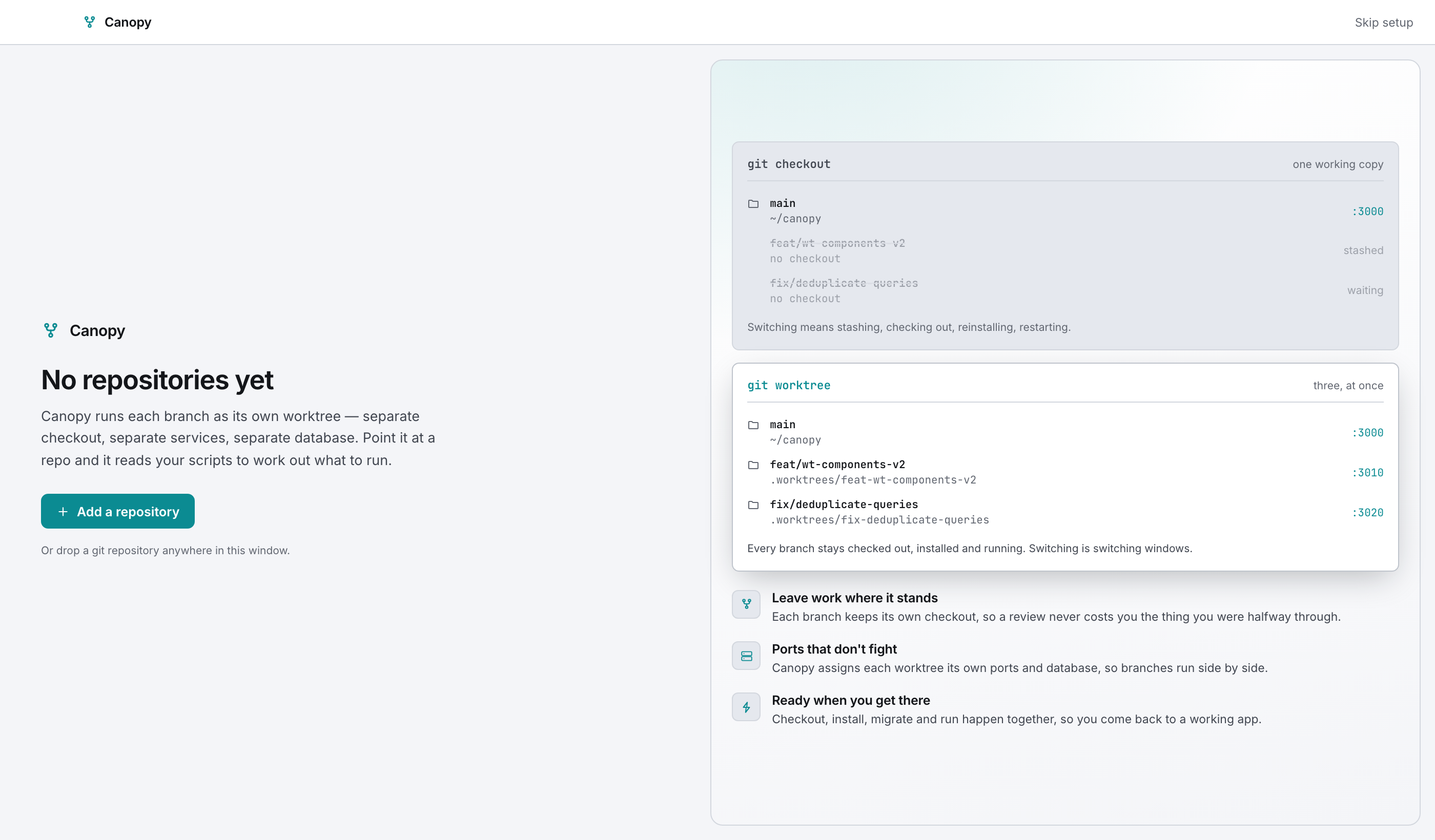
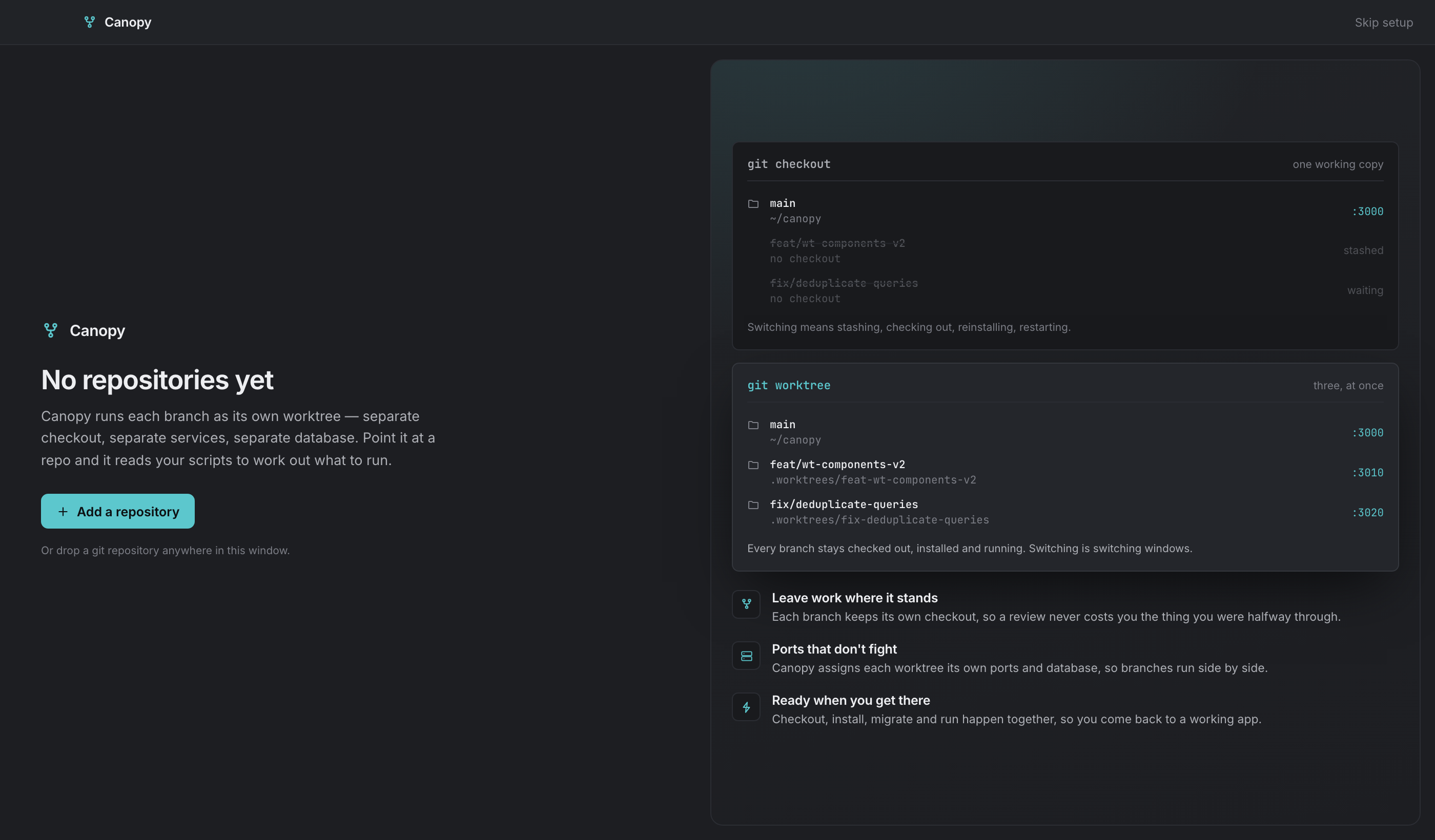
Carry on with Adding a repository.
Where Canopy keeps its files#
| What | Path |
|---|---|
| App settings | ~/Library/Application Support/com.midhunkumare.canopy/settings.json |
| Runtime state (port indices, overrides, orphan bookkeeping) | ~/Library/Application Support/com.midhunkumare.canopy/state.json |
| Log file (rolling, 2 MB, one rotation) | ~/Library/Logs/com.midhunkumare.canopy/canopy.log |
| Theme, density, accent, text zoom | the webview's localStorage, key canopy.appearance |
| Per-worktree agent context | localStorage, key canopy.ctx.<worktree path> |
Where settings live has the full map.
Updating#
Download the newer DMG, or run brew upgrade --cask canopy, and replace the app. Your settings and runtime state sit outside the bundle, so they survive. There's no in-app updater yet; the Advanced settings page marks it coming soon.
Uninstalling#
rm -rf /Applications/Canopy.app
rm -rf ~/Library/Application\ Support/com.midhunkumare.canopy
rm -rf ~/Library/Logs/com.midhunkumare.canopy
Your repositories, worktrees and databases are untouched. Canopy never owned them.